Text, automatically localised.
AI translates your course text. Every entry stays editable if you want to make a change.
Localise a single SCORM course or an entire LMS library. Text, visuals, voice and subtitles — connected in one platform.
Including Articulate Storyline, Adobe Captivate and Articulate Rise.
Moodle is an operational integration example.
Upload your course and choose your preferences. EasySCORM handles the localisation automatically. Download the finished result directly, or review and edit it if you wish.
Use an existing published SCORM package.
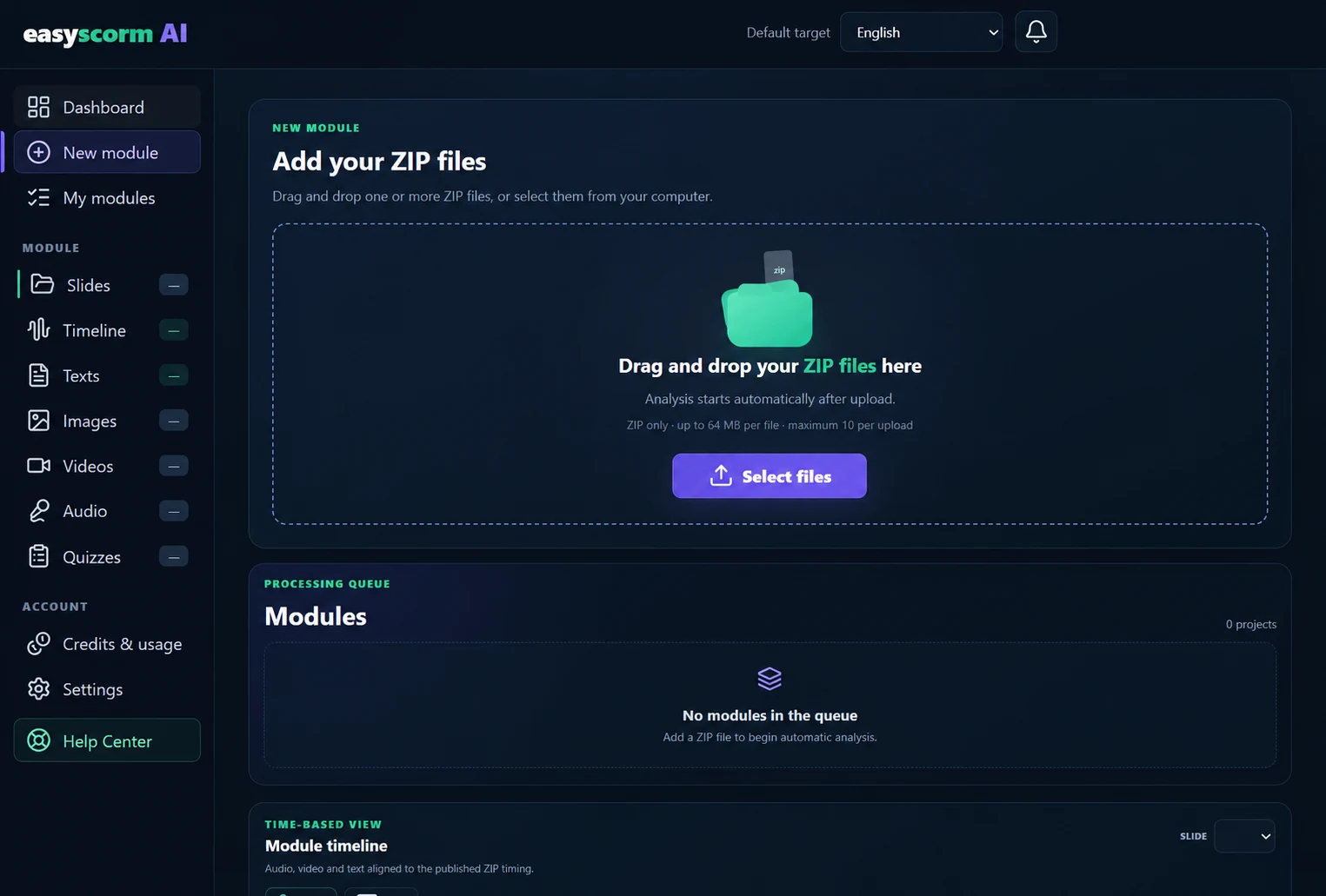
Drag a published SCORM ZIP into the upload area, or choose Select files.
AI translates your course text. Every entry stays editable if you want to make a change.
AI creates new narration in your chosen languages, with automatic source voice profile detection, including male and female voices.
Image text is localised automatically. If you wish, replace a product image for a specific market — directly in the SCORM.
Generate dubbing and subtitles in your chosen languages, with optional control over the original audio.
Generate an editable PowerPoint using content and images from your module, in your chosen language.
Approximately 15 million specialist terms help guide localisation across legal, finance, healthcare and other domains. Because the right terminology is part of the learning experience.
Use EasySCORM online, connect it to your learning platform, or bring the application and AI into your own environment.
Open your workspace, localise your courses and download the results. All online.
Corporate configurations depend on the AI and infrastructure capabilities available to support the required localisation features.
Explore the platform with us. See the connected workflow and discuss the configuration that fits your organisation.
Calendar not showing? Open the booking page ↗